


MechanicalIntermediate

SOLIDWORKS Analysis (Simulation)
Run static, modal, buckling and thermal studies, and learn to judge whether your FEA results can be trusted.
FEA basicsMeshingContactsModal & thermal
Explore course MEC-401
Taught on SOLIDWORKSSurfaces, sheet metal, weldments, mould tools and large assemblies. Advanced modelling for complex products — surfacing, sheet metal, weldments, mould design and top-down assemblies.
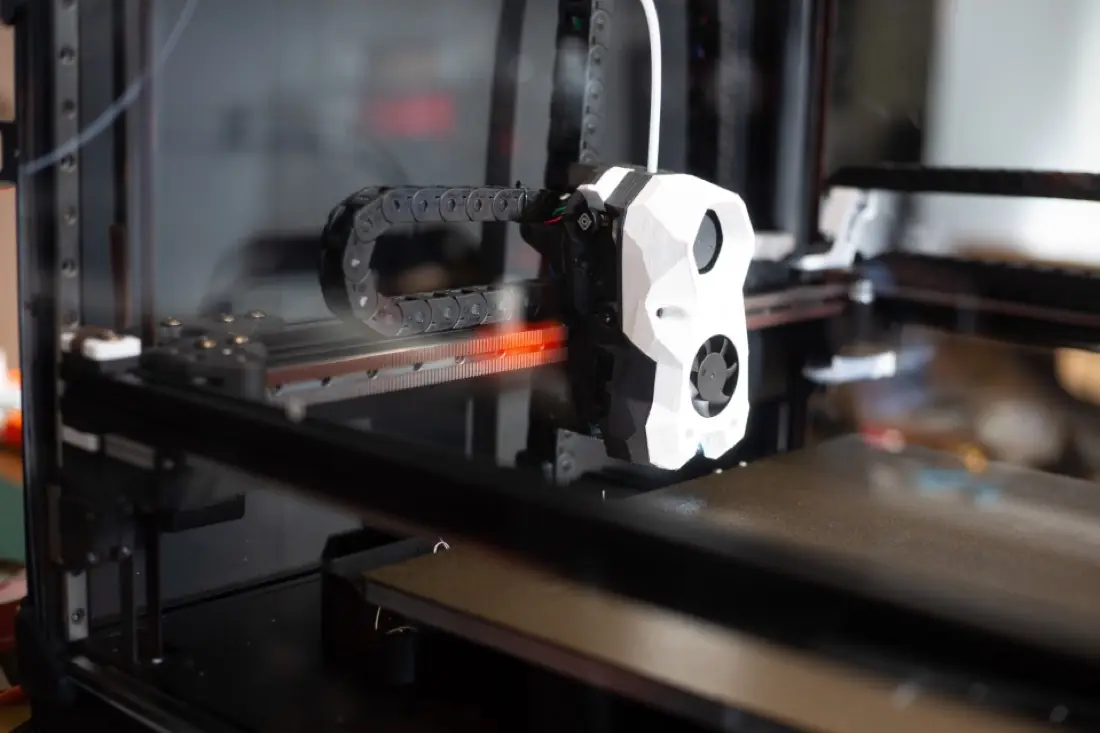
Once you can model parts and assemblies, the next step is the work that sets senior designers apart: freeform consumer-product shapes, sheet-metal enclosures that unfold correctly for laser cutting, structural weldments with accurate cut lists, and plastic parts that can actually be moulded.
This programme also covers how large, multi-designer projects are managed — top-down design with layout sketches, in-context references and performance tools for big assemblies — plus reverse engineering of existing parts from drawings and measurements.
| Prerequisites | Working knowledge of SOLIDWORKS part and assembly modelling. |
|---|---|
| Classroom | Workstations provided at our Ahmedabad centre. |
| Online | A computer that runs the software (dedicated graphics card recommended), high-speed internet and a USB headset or speakers with microphone. |
| Certification | Certified SOLIDWORKS Professional (CSWP) exam preparation. |
6 MODULES · 20 HOURS · 21 TOPICS
You'll finish with 3 projects modelled on real industry briefs — ready to show in interviews.
A handheld device shell built with boundary surfaces and checked for curvature continuity.
Machine base frame with structural members, gussets and a fabrication cut list.
Draft analysis, parting line and core/cavity split for a moulded cap.
Roles this course prepares you for. Our placement team helps with portfolio reviews, mock tests and interview connections.
Owns complex models and design standards.
Designs enclosures, panels and frames for fabrication.
Shapes consumer and industrial products.
Recreates legacy parts as accurate CAD models.
Certification: Certified SOLIDWORKS Professional (CSWP) exam preparation. How certification works
You should be comfortable with sketching, part features and basic assemblies. If not, start with SOLIDWORKS Professional — we can assess your level in a free demo.
It covers SOLIDWORKS Mold Tools — draft, parting lines, shut-offs and core/cavity. Full mould-base and cooling design are specialist topics beyond this course.
Yes — live classes with a real trainer, not recordings. You'll need a computer that can run the software, decent internet, and a headset or speakers with a mic so you can ask questions.
Yes. Our placement team helps every eligible student — 100% placement assistance. That means resume and portfolio reviews, mock tests and interviews, and introductions to companies that are hiring.
Courses that pair well with SOLIDWORKS Expert on your learning path.
Run static, modal, buckling and thermal studies, and learn to judge whether your FEA results can be trusted.

Master parametric 3D modelling, assemblies and drawings — the core skill set of a mechanical design engineer.
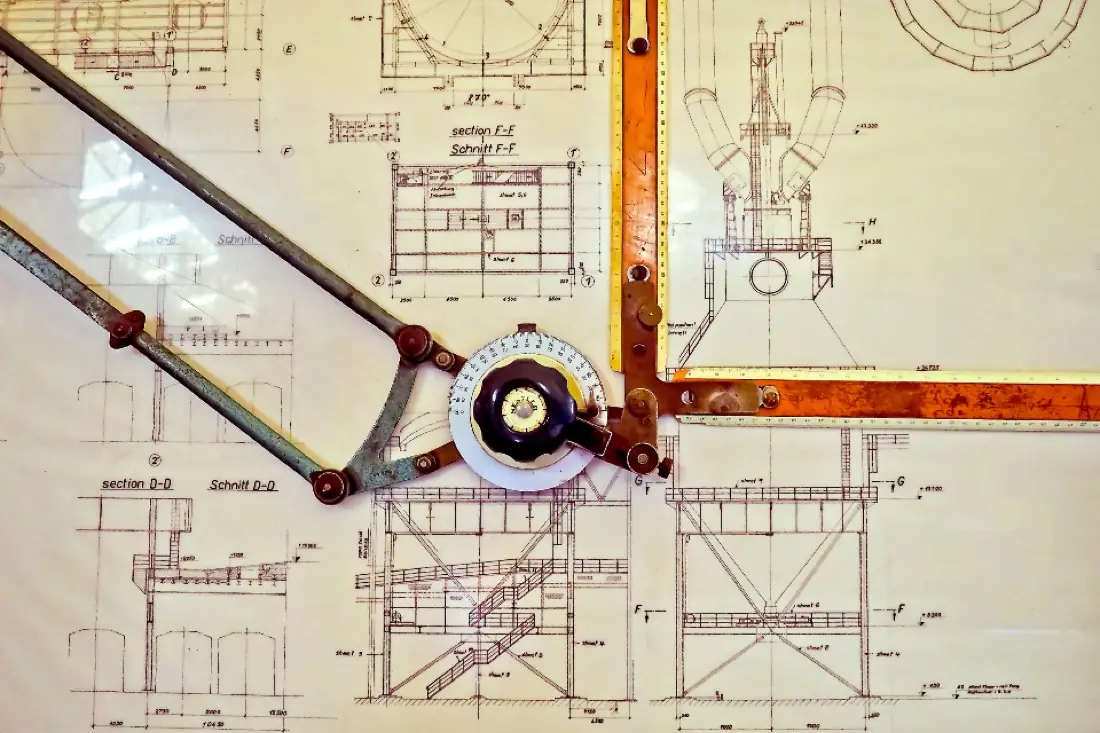

Go from blank screen to fully dimensioned, toleranced production drawings that a machine shop can build from.