


MechanicalBeginner

SOLIDWORKS Professional
Master parametric 3D modelling, assemblies and drawings — the core skill set of a mechanical design engineer.
Part modellingAssembliesConfigurationsDrawings & BOM
Explore course MEC-201
 Taught on Autodesk AutoCAD
Precise 2D drafting and manufacturing-ready engineering drawings. Go from blank screen to fully dimensioned, toleranced production drawings that a machine shop can build from.
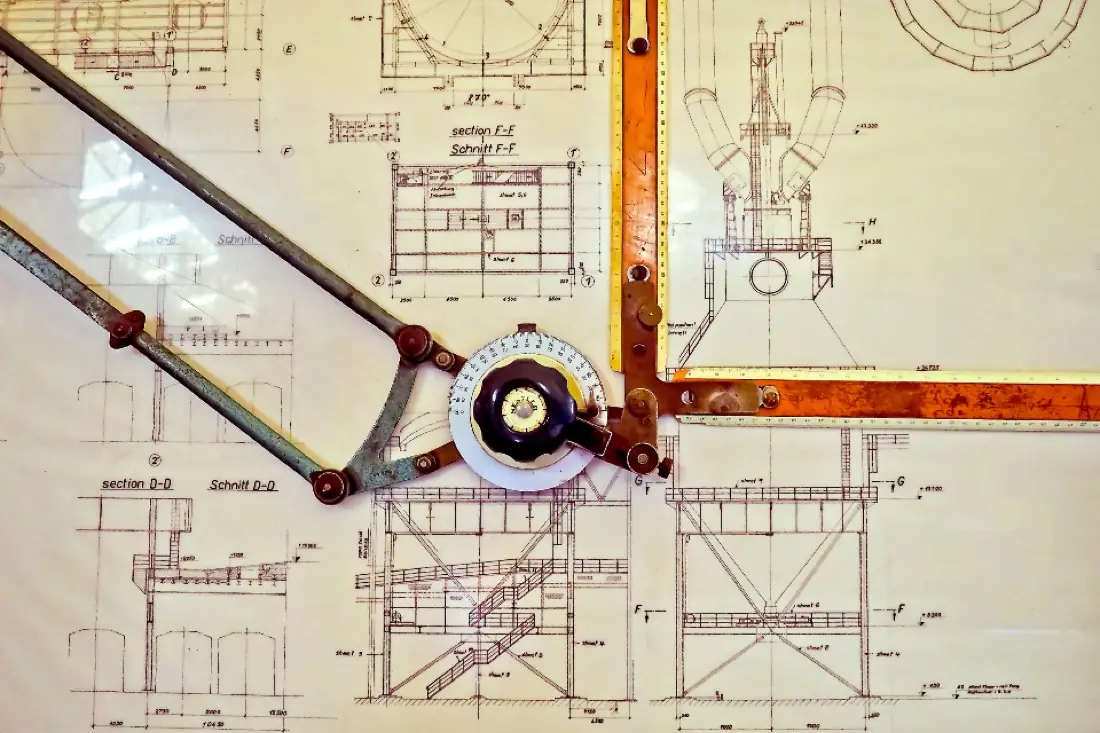
Every machined part, fabricated frame and sheet-metal enclosure starts life as a drawing. This programme teaches AutoCAD the way it is used on real shop floors: precise geometry, clean layer standards, correct projection and annotation that leaves no room for interpretation.
You will learn to read and produce engineering drawings to ISO and BIS (SP-46) conventions — orthographic and sectional views, dimensioning with limits and fits, GD&T feature control frames, surface finish and welding symbols — and output them as plotted sheets and DXF files ready for laser, plasma or CNC programming.
| Prerequisites | Basic computer skills. No prior CAD experience needed. |
|---|---|
| Classroom | Workstations provided at our Ahmedabad centre. |
| Online | A computer that runs the software, high-speed internet and a USB headset or speakers with microphone. |
| Certification | Autodesk Certified User (AutoCAD) exam preparation. |
7 MODULES · 20 HOURS · 28 TOPICS
You'll finish with 3 projects modelled on real industry briefs — ready to show in interviews.
Fully dimensioned part drawing with fits, tolerances, surface finish and material notes.
Multi-part assembly with sectional views, balloons and a complete bill of materials.
Orthographic, sectional and isometric views laid out on a plotted A3 sheet set.
Roles this course prepares you for. Our placement team helps with portfolio reviews, mock tests and interview connections.
Prepares detail and assembly drawings for production.
Converts sketches and mark-ups into standard drawings.
Supports the design team with layouts and revisions.
Reads drawings to plan processes and inspection.
Certification: Autodesk Certified User (AutoCAD) exam preparation. How certification works
We train on a recent AutoCAD release. The core workflows — drafting, layers, blocks, annotation and plotting — carry over to older and newer versions.
Yes. 2D drawing literacy is expected in almost every mechanical role, and many fabrication shops still exchange DWG/DXF files for cutting and quoting.
Yes — live classes with a real trainer, not recordings. You'll need a computer that can run the software, decent internet, and a headset or speakers with a mic so you can ask questions.
Yes. Our placement team helps every eligible student — 100% placement assistance. That means resume and portfolio reviews, mock tests and interviews, and introductions to companies that are hiring.
Courses that pair well with AutoCAD (Mech) on your learning path.
Master parametric 3D modelling, assemblies and drawings — the core skill set of a mechanical design engineer.
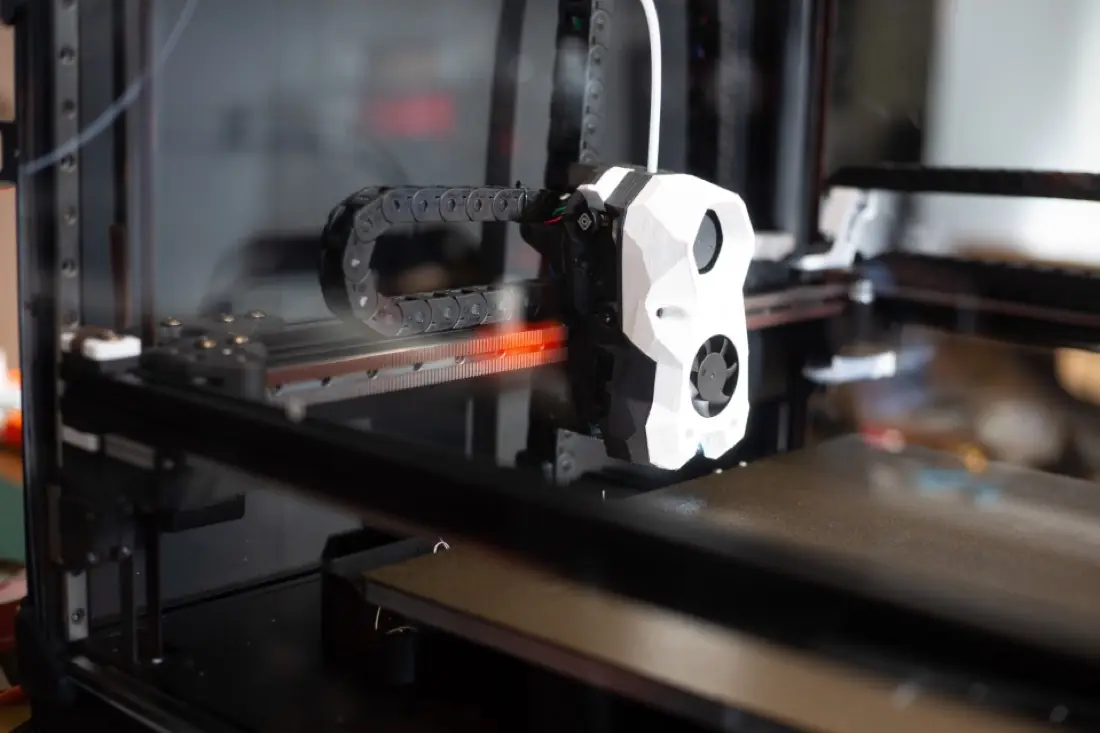
Advanced modelling for complex products — surfacing, sheet metal, weldments, mould design and top-down assemblies.
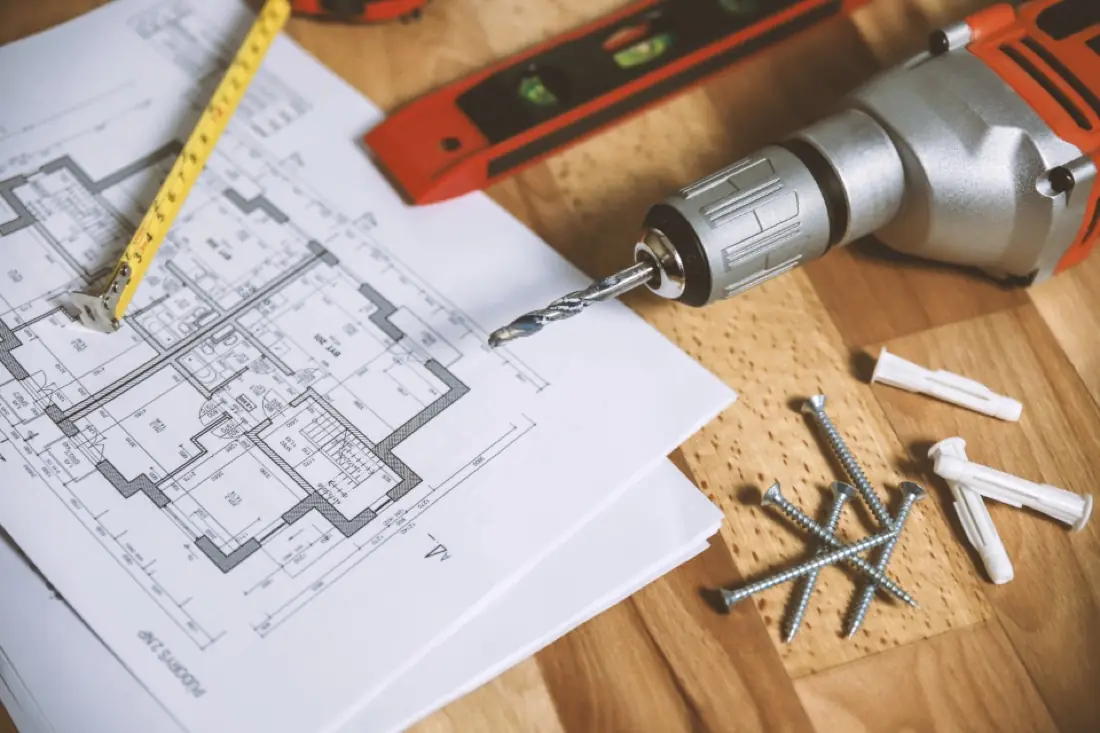
Produce complete building drawing sets — from centre-line plans to submission and reinforcement details.