

MechanicalAdvanced

SOLIDWORKS Expert
Advanced modelling for complex products — surfacing, sheet metal, weldments, mould design and top-down assemblies.
Surface modellingSheet metalWeldmentsMould tools
Explore course MEC-301
Taught on SOLIDWORKSValidate designs with FEA — and understand what the results really mean. Run static, modal, buckling and thermal studies, and learn to judge whether your FEA results can be trusted.
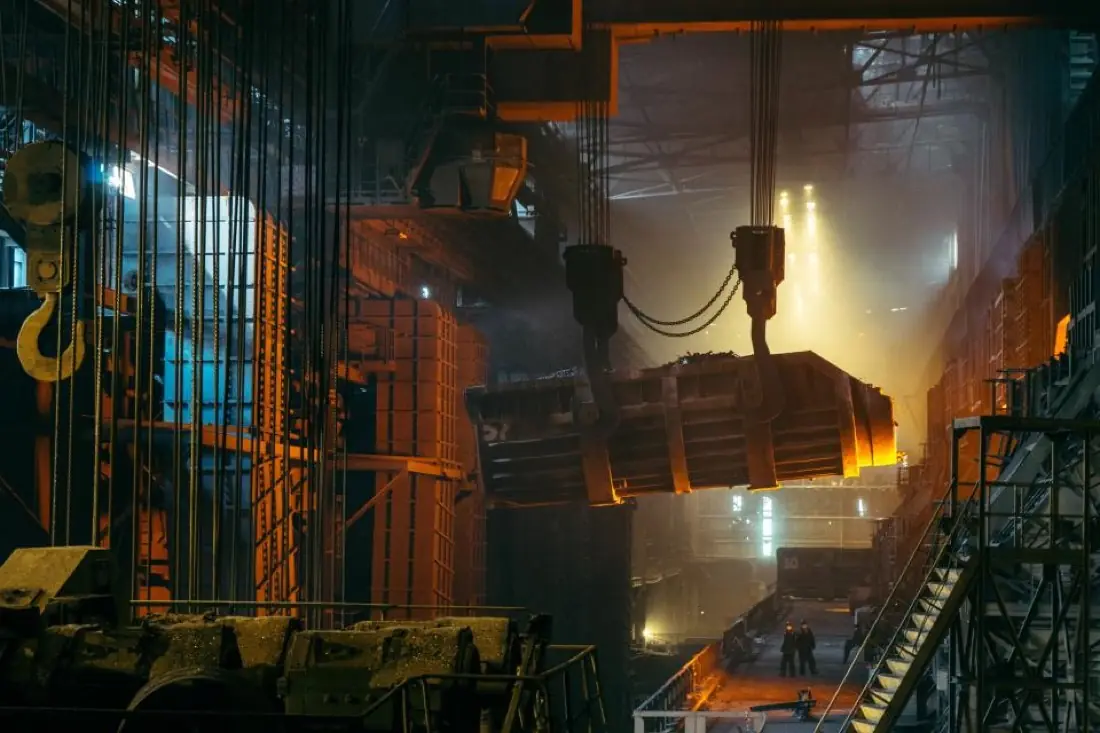
Simulation lets engineers find weak points before metal is cut. But a colourful stress plot is easy to produce and easy to misread. This programme teaches SOLIDWORKS Simulation together with the engineering judgement behind it: choosing the right fixtures and loads, building a mesh you can trust and recognising when a result is a real problem or a numerical artefact.
You will validate your first studies against hand calculations, run convergence checks, model bolted and contacting assemblies, and go beyond linear static analysis to frequency, buckling and thermal studies — finishing with professional reports that support real design decisions.
| Prerequisites | Comfort with basic CAD concepts; prior software experience recommended (we'll check in your demo). |
|---|---|
| Classroom | Workstations provided at our Ahmedabad centre. |
| Online | A computer that runs the software (dedicated graphics card recommended), high-speed internet and a USB headset or speakers with microphone. |
| Certification | CSWA – Simulation exam preparation. |
6 MODULES · 20 HOURS · 24 TOPICS
You'll finish with 3 projects modelled on real industry briefs — ready to show in interviews.
Load case, convergence study and hand-calc validation for a cantilever bracket.
Natural frequencies of a motor mounting frame compared with running speed.
Steady-state temperature distribution of an aluminium heat sink.
Roles this course prepares you for. Our placement team helps with portfolio reviews, mock tests and interview connections.
Runs and reports simulation studies.
Verifies designs against requirements before testing.
Explores and optimises new product concepts.
Designs parts with built-in structural checks.
Certification: CSWA – Simulation exam preparation. How certification works
Yes — you should be comfortable creating parts and assemblies. Simulation is taught as the next step after SOLIDWORKS Professional.
Static studies run in SOLIDWORKS Simulation Standard; frequency, buckling and thermal studies need Simulation Professional. We'll explain which tool each topic uses.
Yes — live classes with a real trainer, not recordings. You'll need a computer that can run the software, decent internet, and a headset or speakers with a mic so you can ask questions.
Yes. Our placement team helps every eligible student — 100% placement assistance. That means resume and portfolio reviews, mock tests and interviews, and introductions to companies that are hiring.
Courses that pair well with SW Simulation on your learning path.
Advanced modelling for complex products — surfacing, sheet metal, weldments, mould design and top-down assemblies.

Master parametric 3D modelling, assemblies and drawings — the core skill set of a mechanical design engineer.
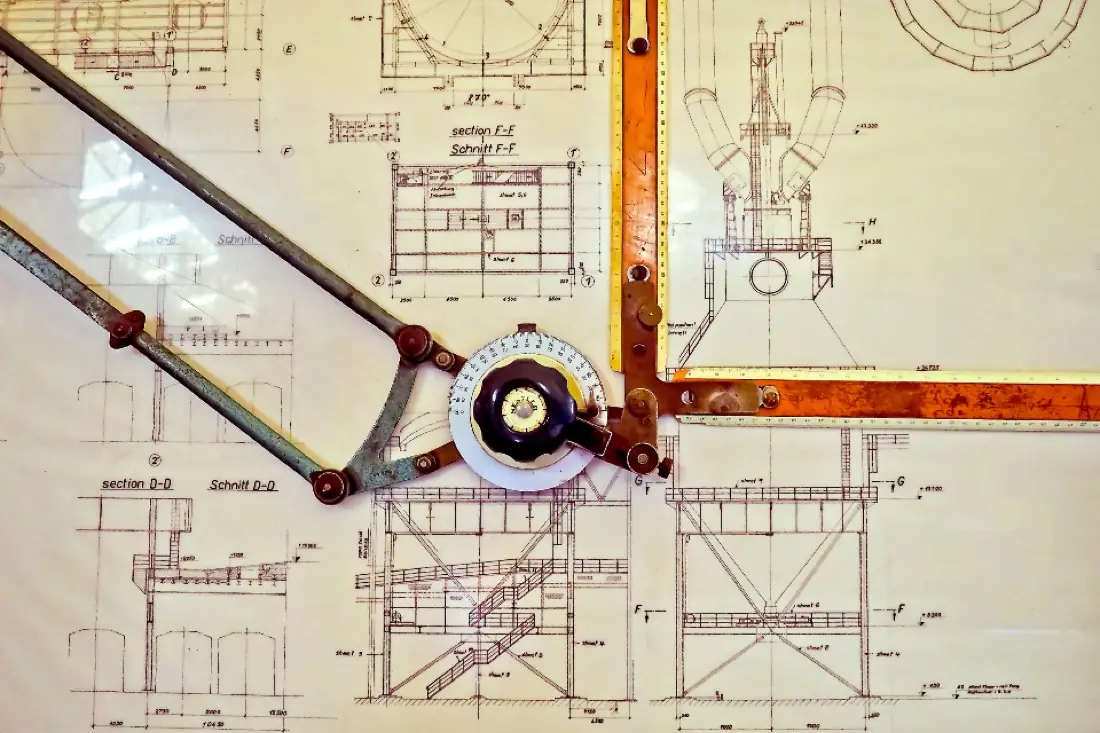
Go from blank screen to fully dimensioned, toleranced production drawings that a machine shop can build from.